

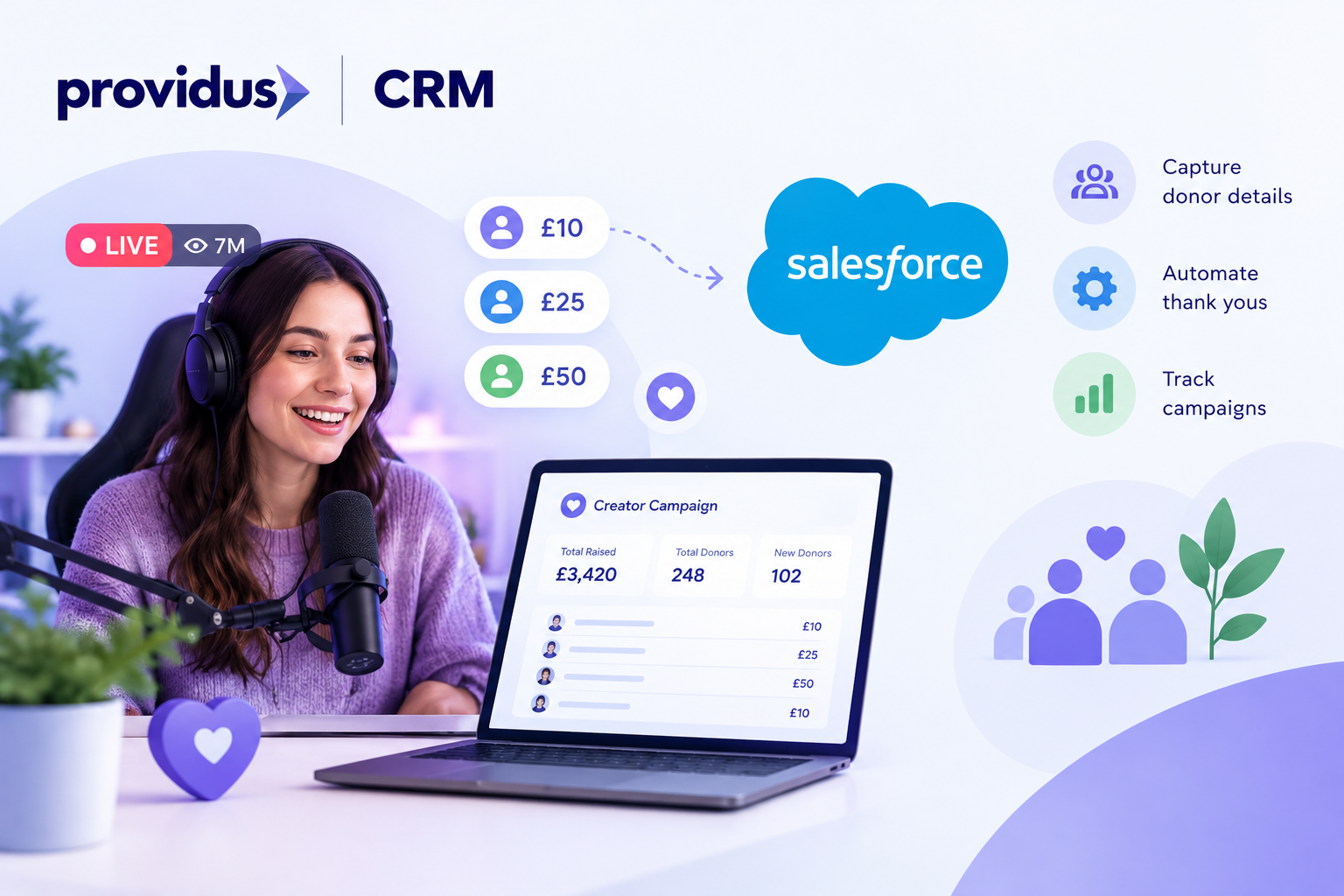
A popular creator goes live, donations from fans come in thousands, and your team spends the next multiple nights matching spreadsheets; this gap between the viewer and the clean CRM records is the point where you silently lose money, time, and supporters.
Creator-led giving is growing quickly. Jingle Jam 2025 has involved more than 1,000 fundraisers, seven million viewers, 70,000 donations, and raised over £3m for eight charities, as per Charity Times. So now, how do you cope with that volume without drowning in admin? Let’s understand how to automate influencer donations in Salesforce.
Why Do Influencer Donations Create So Much Admin?
Influencer campaigns hardly follow a clean pattern; gifts arrive in sudden bursts with the help of multiple platforms and mostly with few supporter details attached. One live stream could produce thousands of small donations in a single evening.
Moving further without automation, someone must export files, cleans names, create records by hand and even match duplicates. So, every manual step in this manner adds delay and risk, and with this, the important thank-you messages also go out late.
Furthermore, social media also inspires giving. Charity Aid Foundation has found that quarter of Britons had joined at least one charity campaign that was driven by social media, and those supporters also deserve proper stewardship, not only a spreadsheet queue.
What Does It Mean to Automate Influencer Donations in Salesforce?
Every gift that is linked to an influencer directly lands in Salesforce, and with the right donor, creator, and campaign attached, there is no exporting, retyping, and, with this, no guessing who raised and what. You can think of it as a conveyor belt, Gifts enter from your donation platform, Salesforce checks whether the supporter already exists or not, and then creates or updates the record. The gifts get logged against the campaign or creator, and a thank you email follows even without anyone doing the sending process. With Salesforce managed services, nonprofits can ensure these workflows run smoothly and efficiently.
Moving ahead, in order to understand, take it as a gaming streamer raising money for hospice of children and a fan donates £10 and within minutes, Salesforce finds the fan, adds the gift to the campaign of the streamer, updates the running total, and then sends a thank you that contains the name of that streamer.
How Do You Set It Up Step by Step?
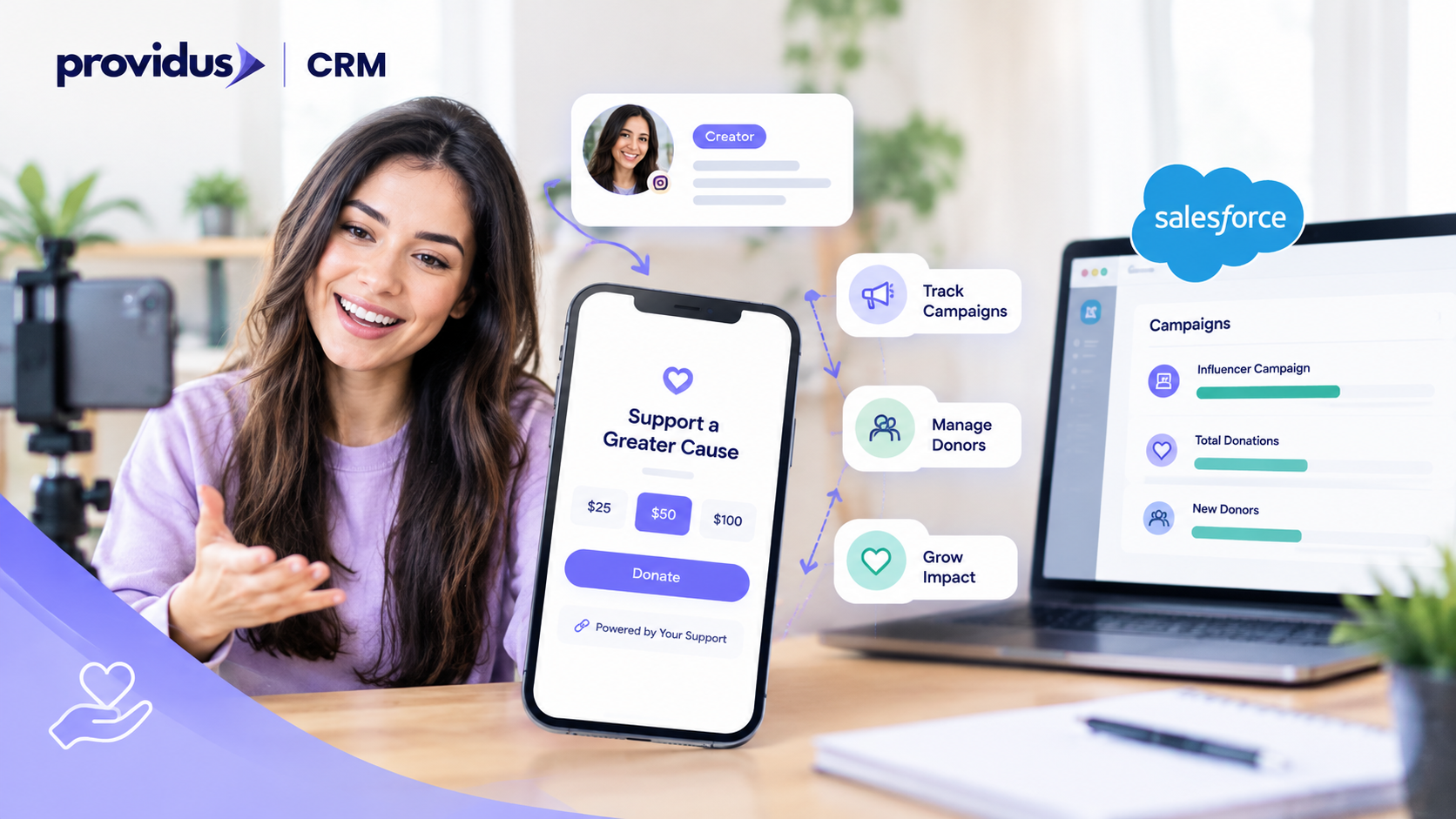
Below are the pointers that build a simple order that works for most charities.
- Create A Campaign for Each Influencer: Add a parent campaign for the programme and a child campaign per creator, so that results stay separate and very easy to report.
- Record the Creator: Store their channel, name, chosen cause, and the campaign link on a Custom object or Contact.
- Tag Every Donation Link: Pass the campaign ID through the donation page address, so each gift arrives labelled with the creator who mainly inspired it.
- Build A Salesforce Flow: The Flow creates a gift, matches supporters, updates campaign totals, and also flags new donors for follow- up.
- Trigger the Thank-You Journey: Send a personal email the same day by mentioning the influencer by name.
Additionally, once this is in place, you can easily automate influencer donations in Salesforce for every future creator simply by copying the template of the campaign.
Which Tools Connect Donations to Salesforce?
Several tools work together to automate the donation journey:
- Salesforce Flow: handles the logic, creates gifts, matches supporters, and also updates campaign totals.
- Fundraise Up: It offers donation forms that sync with Salesforce.
- FinDock: It easily processes payments natively inside Salesforce.
- Dotdigital: Runs thank you and also follow up journeys using the same supporter data.
- Salesforce Integration Services: It is famous for building a safe bridge for anything unusual, such as a streaming platform sending gifts through its own API.
You should choose tools that already speak to Salesforce, fewer connectors mean fewer places for a gift will go unseen. Whichever tools you pick, document how the data flows between them because a simple one page diagram will help new colleagues to understand the setup and also make troubleshooting far quicker.
What Should You Measure Once It Is Running?
Automation is only half of the story, and the other half is learning from the data it normally collects. Start with building a simple dashboard showing total raised per creator, new versus returning donors, average gift size, and also the time taken to send each thank you.
When you basically automate influencer donations in Salesforce, these questions are the must ask from the trustees. Which creators bring genuine new supporters? Which campaigns cost more effort than they return? Reports update themselves, so nobody waits for a month-end export. Salesforce implementation services can help nonprofits configure these dashboards, automate reporting, and track fundraising performance.
Furthermore, over time, patterns appear, you might find that smaller creators always attract loyal regular givers, but while larger names deliver one-off spikes, this insight shapes who you should invite next.
Which Mistakes Should You Avoid?
Each mistake mentioned below is cheap to prevent at the design stage and costly to fix later, let’s understand them.
- Skipping Campaign Tagging: gifts arrive without a creator attached, which makes reporting meaningless.
- Ignoring Duplicates: fans who give twice end up with two records unless matching rules exist.
- Forgetting Consent: capture marketing permissions at the point of donation to stay UK GDPR compliant.
- Testing On Live Data: always trial the Flow in a sandbox first.
- Overcomplicating Version One: launch with the five steps above, then add extras once the basics run smoothly.
Planning how to automate influencer donations in Salesforce before you build mainly saves weeks for rework and it also protects the trust of creators and supporters.
Who Should Take Ownership Of The Process?
Interestingly, even the best automation requires an owner. Appoint one person to watch error logs, speak to creators about results, and check totals weekly. Without ownership, small faults can run unnoticed for months.
Set clear expectations early. For instance, agree who answers supporter queries, who mainly approves messages sent in the name of the creator, and how rapidly new gifts should appear in reports. Pair that person with your admin of Salesforce, who maintain the Flow when forms or fields change.
A short monthly review keep everything perfect as campaigns grow and finally, tell influencers what actually happened to their details of supporters. Remember, clear, friendly communication always builds trust and also encourages creators to fundraise with you again.
Are You Searching For The Right Salesforce Consultancy?
This process can give you amazing results, but only if you get this process done with the help of a good consultant. Certified consultants of ProvidusCRM deliver Salesforce Nonprofit Consulting from planning to launch. Contact our team today and turn every creator campaign into lasting supporter relationships, or you can explore our website or call us directly.
Conclusion
Influencer fundraising brings new audiences, but the main element is whether your back office keeps pace or not. When you automate influencer donations in Salesforce, so in results, gifts are recorded in minutes, supporters are thanked rapidly, and your team sees which creator truly moves the needle.
Get a small start, pilot one creator, test the Flow, and then scale. Before long, manual matching will feel like a distant memory, so that every gift deserves to be recorded accurately and every supporter deserves a prompt and personal thank you from day one.
Frequently Asked Questions
1. Does this work with free Power of Us licences?
Yes, Power of Us licences include Salesforce Flow, so no extra automation licence is usually needed.
2. How long does a basic setup take?
A simple setup usually takes a few weeks, depending on how many platforms you connect.
3. Can the automation capture Gift Aid declarations?
Yes, store the declaration on the donor record at donation so claims are ready later.
4. Can influencers see their own totals?
Yes, an Experience Cloud portal can show each creator their live results.
5. Is donor data safe in Salesforce?
Yes, permission sets restrict who can view donor records, which supports UK GDPR compliance.
